
01
Open IGS on your phone
Sign in, connect Steam, then open the Link tab. The app shows a short pairing code. That code is only for you.
IGS is your Counter-Strike life on the phone. IGS Link is the other half, on the PC where you play. Pair them once. After that, the match, the ticket, and the result are the same thing on both.
HOW IGS WORKS
Nothing useful happens until they are paired. The code on your phone is the handshake. After that, IGS does not guess. If Link is in the live game, the phone knows. If you unpair, Link knows.
01
Sign in, connect Steam, then open the Link tab. The app shows a short pairing code. That code is only for you.
02
Install Link, type the code, and confirm. Phone and PC are now the same player. Unpair from the phone when you want it gone.
03
Launch Counter-Strike. Link sits next to the game. The phone watches the same live game — menu, lobby, warmup, then the match.
THE LIVE GAME
Competitive and Premier are what IGS tracks. Menu, lobby, warmup, live round, game over — the phone reads the same state Link sends. No second story. No “maybe connected.”
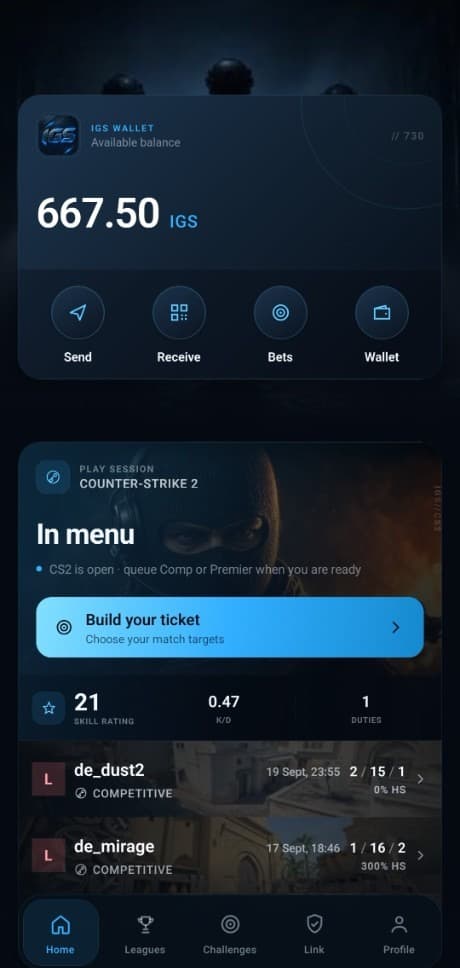
Skill, form, challenges, leagues, and your IGS balance live here. You build the ticket on the phone. When Link is in the live game, the home card is that game — not a guess from last week.
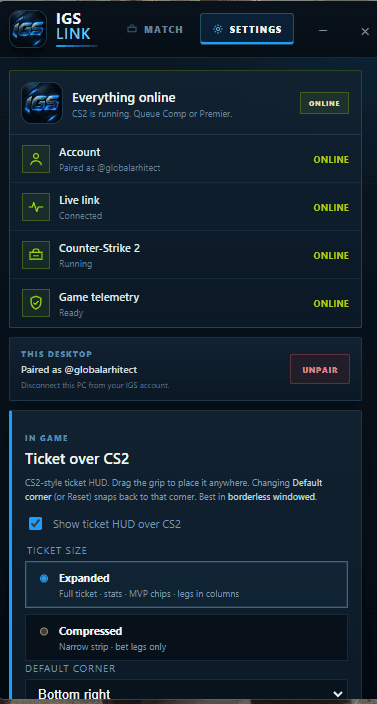
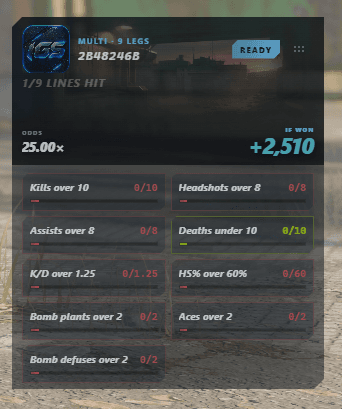
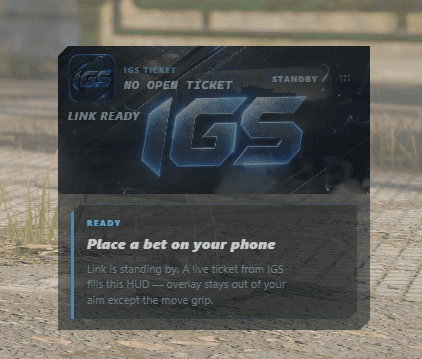
Link is the quiet window beside Counter-Strike. Pair once. Leave it running. The overlay is the same ticket you built on the phone — hit, miss, still live — while you play.
THE TICKET
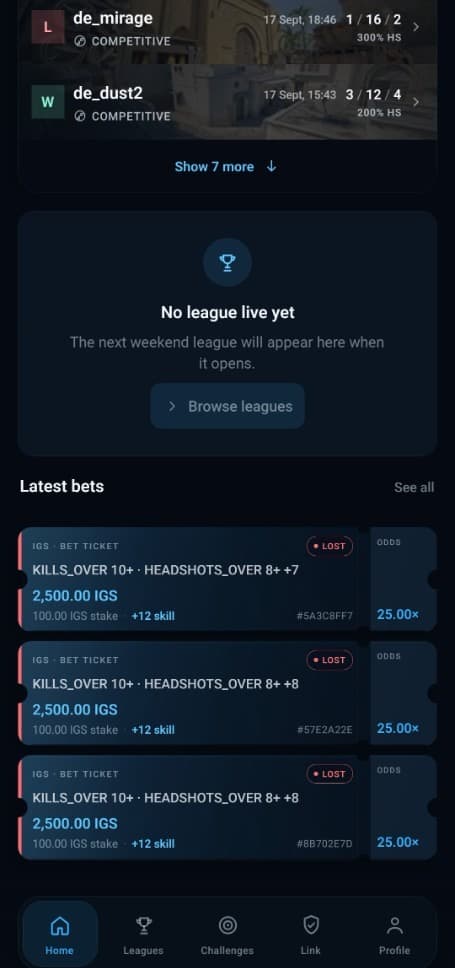
Build legs on the phone. The overlay keeps the ticket in the match. When the game ends, IGS settles it from that match — not from a screenshot, not from memory.
You are paired, and IGS Link is on that live game. You cannot open a new ticket once Competitive or Premier has already started.
Warmup and the menu are fine. The ticket locks the moment the official match goes live.
Cancel and get the stake back until Competitive or Premier starts. After lock, the ticket stays until the match is over.
You place it on the phone. Link shows it in the overlay. When the match ends, the result is the result — phone and overlay update together.
01
Link is on. You are in menu or warmup. You pick the legs and the stake. That is the ticket.
02
The overlay is the same ticket. Legs fill as you play. Nothing else to check.
03
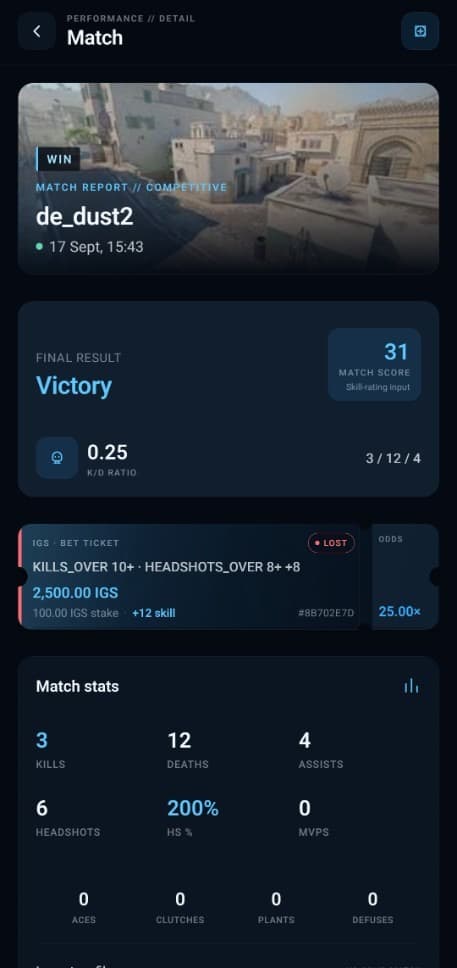
Game over writes the result. Hit or miss is on the match report — same numbers Link saw.

CHALLENGES · LEAGUES · TEAMS
Challenges add up while they are open. Leagues are a table with a deadline. Teams are your five. All of it still comes from the matches Link actually saw.
RULES OF THE GAME
IGS only counts Competitive and Premier that Link watched through to the end. That is how tickets, challenges, and leagues stay honest.

CLOSED TEST
IGS is in test. Leave Discord, email, and a short hello. We will message you when there is a seat.